Contact Robey's Powerkleen at 859-484-7337

HOW TO TRACK YOUR FLOOR MACHINE ORDER
Once your machine ships, you’ll receive a document or image with your carrier name and PRO number or a tracking numbers.
This page, and the video below, will walk you through exactly how to track it.
STEP-BY-STEP: TRACKING YOUR SHIPMENT
1. Select Your Carrier : Choose the freight carrier listed on the document we sent you (for example: Central Transport, Dayton Freight, etc.).
2. You’ll Be Redirected to the Carrier’s Website : Once you click your carrier's name, you’ll be taken directly to their official tracking page.
4. Enter Your PRO number or Tracking Number : On the carrier’s site, enter one of the numbers shown on your document, such as:
PRO Number
Pickup Number
BOL Number
You can copy and paste the number or type it in manually.
5. Click “Track” : Your shipment details and delivery status will load on the carrier’s website.
IMPORTANT THINGS TO KNOW ABOUT FREIGHT TRACKING
Tracking updates may take 12–24 hours to appear after pickup
Weather, distance, and transit time can affect ETA updates
Some carriers show delivery as “By Appointment”
This usually means the carrier will call you to schedule delivery
Other carriers may show “Delivery Tomorrow” and sometimes include a time window.
If tracking doesn’t show much detail right away, that’s normal — especially early in transit.
NEED HELP OR CAN’T FIND YOUR INFO?
If you have questions:
You can call the carrier’s customer service number directly (available on their tracking page)
Or contact us, and Erica or Dolly will be happy to help look up your shipment and provide an updated ETA
DELIVERY REMINDER
Most freight shipments arrive on a full-size semi truck.
Please make sure you have:
Clear access for the driver
Space for a semi to pull in
A dock or forklift available if needed
If liftgate delivery was selected at the time of order, the carrier will contact you to schedule delivery.
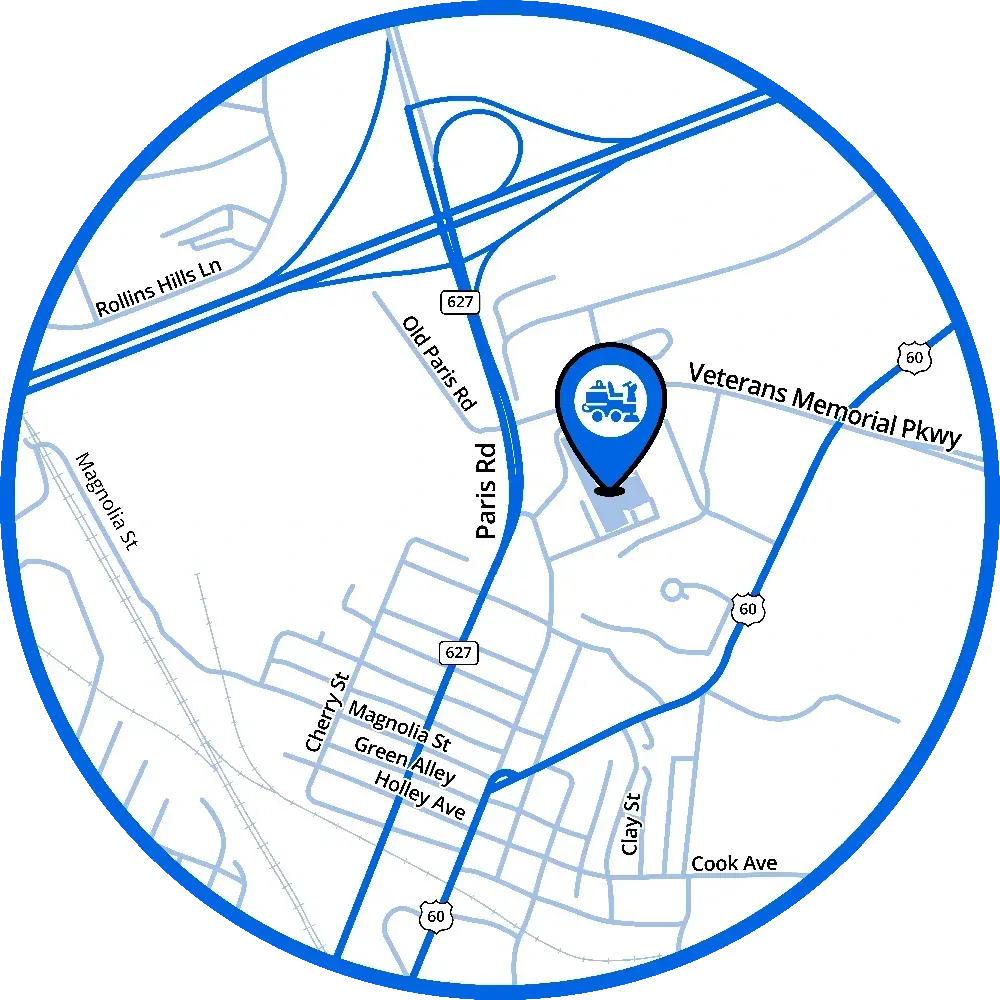
695 N Main St., Winchester, KY 40391